Publisher: Nintendo
Release Date: October 9th, 2024

Just yesterday, my wife had been wondering aloud about when Nintendo would show off the next Switch console. The Switch 2, the Super Switch, whatever you want to call it. I don’t blame her, we’re all thinking it. Literally millions of people have been waiting with bated breath for months, hungry for the barest morsel of Nintendo hardware news.
Nintendo had the chance to do the funniest thing.
Just yesterday, I had the opportunity to trick my wife, telling her that Nintendo just put up a video announcing new hardware. She closed out of Zenless Zone Zero and popped open the YouTube app on our PS5 before speedrunning all five stages of grief. Really good stuff. Highly recommend doing this to your loved ones. Anyways, Alarmo (or Nintendo Sound Clock Alarmo if we’re following brand guidelines) was released later that same day, with online orders going live immediately in some regions, and direct sales starting in Nintendo’s four main stores (Tokyo, Osaka, Kyoto and New York City). Although there had been documentation found recently by internet sleuths that indicated that Nintendo would release a new piece of hardware soon, I don’t think anyone quite expected this and it’s impressive that Ninteno were able to keep such a secret given the regular leaks we see from the manufacturing and distribution processes.
Though you might not know it, Nintendo actually has a long history of making toys and non-video game products behind it (You can get a brief look at some of them in this ad for their recently unveiled museum). Largely, they’ve just been doing games for the last couple of decades, but as a bit of a Nintendo diehard, Alarmo’s announcement really tickled me pink. How would they fare at launching a non-gaming tech device in this day and age? iPads and FitBits are the design standards for a lot of people, and Alarmo is clearly not swinging at that weight bracket. Even just at a glance, materials are cheaper looking, the screen is a somewhat awkward rectangle smushed into a circular body, and the whole thing just looks very, well, toy-ish. Curious as I could get, I headed straight to my local Nintendo Tokyo.
Sadly, they seemed to have sold out super quickly on the first day, but on day two they had more units! On the first day I had been explicitly told that they didn’t know when they were getting more, so I felt quite silly walking back to the store the very next day, but it all worked out. I can’t help but wonder if they were actually limiting/staggering daily sales or somesuch, but I certainly don’t care that much at this point. I got mine!

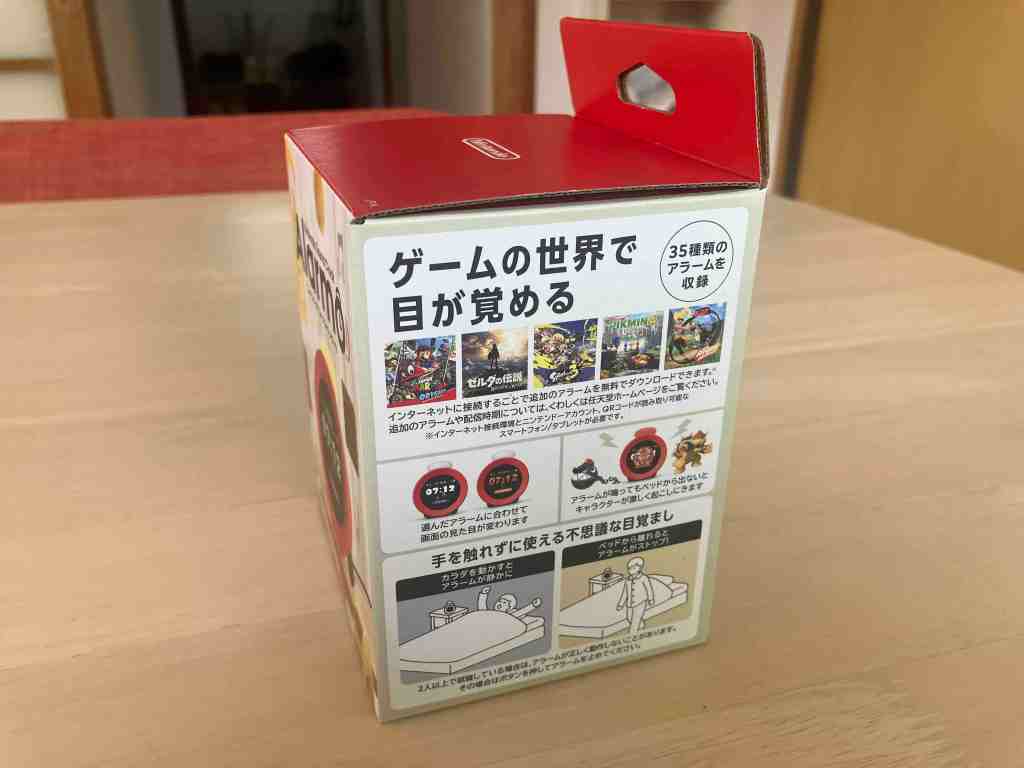
I’m not much of an “unboxing YouTuber” kind of guy, so I’ll do my best to keep it brief on this bit. The box is cute in a “2020’s era Nintendo branding” kind of way, which I like. Always dig the solid red panels with the bold and centered Nintendo logo. Internal packaging is minimal (though as with everything the components are sadly wrapped in plastic) and the unboxing lacks the expensive polish and flair you get from Apple or Meta products. Heck, even the Ouya had more panache, but we’re obviously very much judging a book by its cover here, so no biggie.

Speaking of judging the machine’s cover, the thing is just darn cute! It’s just heavy enough that a stubbornly rolled cable shouldn’t lift it, just big enough that you can kind of see the time from across the room, and the main button- it just begs you to touch it! The device comes with a USB cable and nothing more, so you’ll need to provide your own outlet. I saw some gripes about this but honestly I don’t personally consider this to be an issue- you can buy used ones for a buck all over the place.

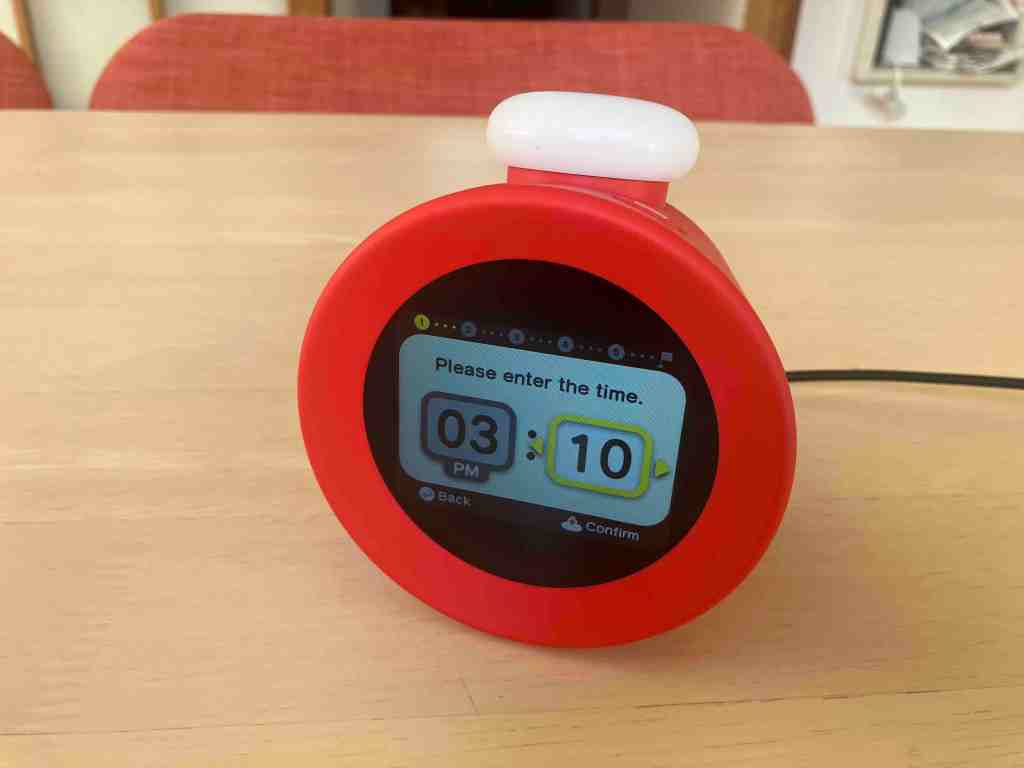
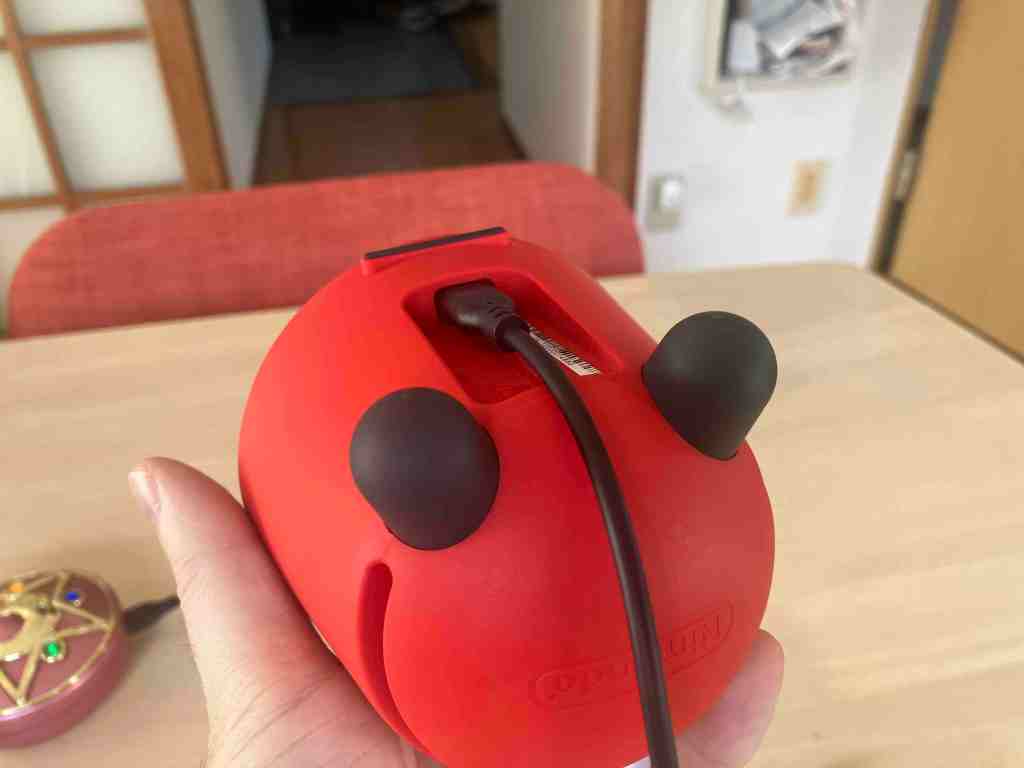
Setup is a breeze, with the main button doubling as a dial to scroll through choices. The UI is well-considered, so I haven’t run into any moments where the obvious limitations of a dial are particularly bothersome. Shortly into the setup, Mario appears alongside a question mark block as the device prompts you to make motions. Waving your hand makes Mario jump and collect coins before you move forward. This whole setup process, I must say, is very Nintendo. Between the sound, visuals, and the totally unnecessary motion controlled Mario, it was a little playful in a way that the Switch and other high end electronics just aren’t nowadays, and it actually reminded me a lot of some of their older ideas.

The next step asked me to move left and right, and this was actually where I ran into a small issue. Since I was seated right against a wall, I think the device was unable to properly track how I was moving. According to the legitimately interesting Ask The Developer article that was released alongside Alarmo’s announcement, it uses a radio wave sensor to track movement, so it makes sense that a big surface less than a foot behind you kind of messes stuff up.
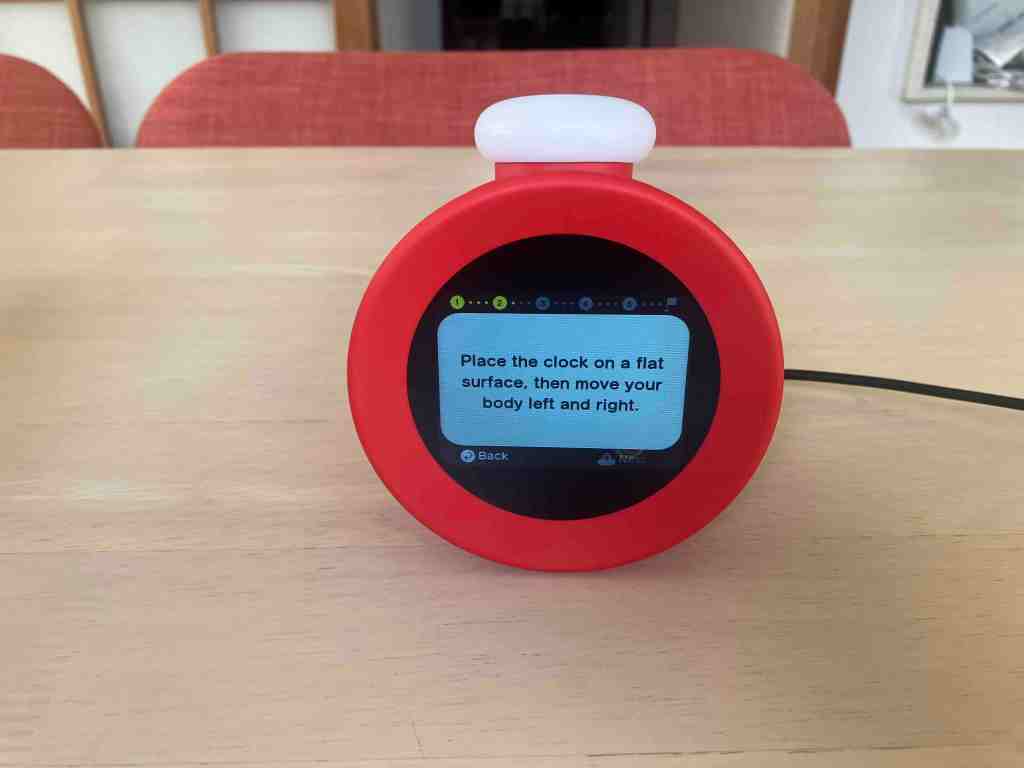
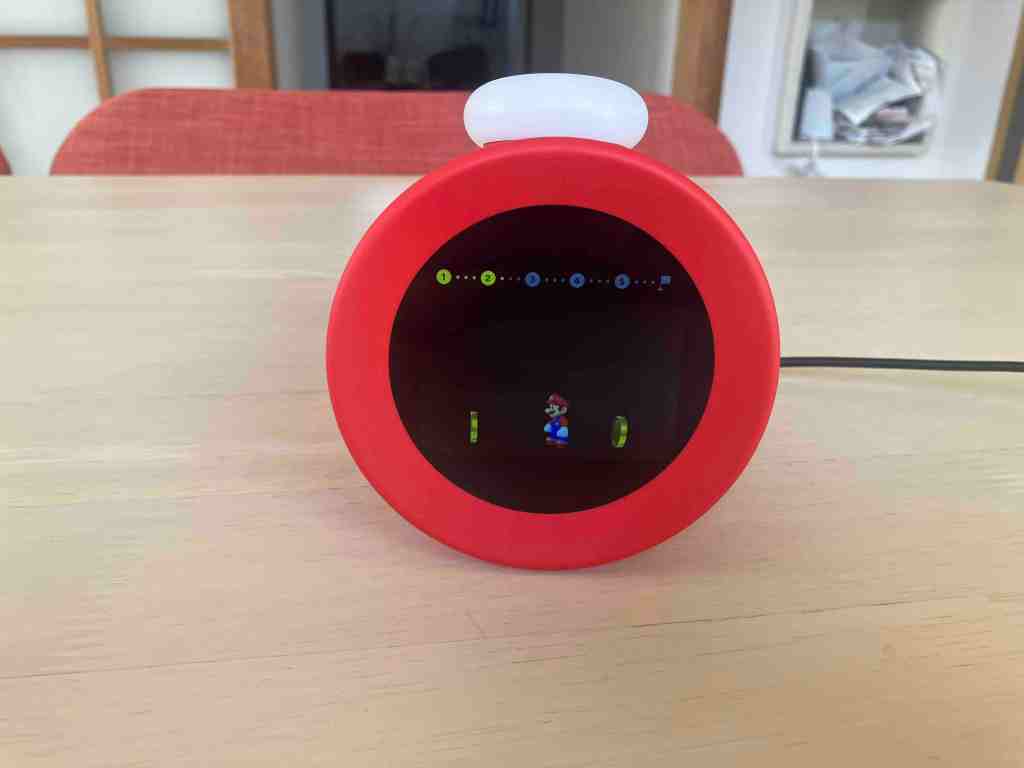
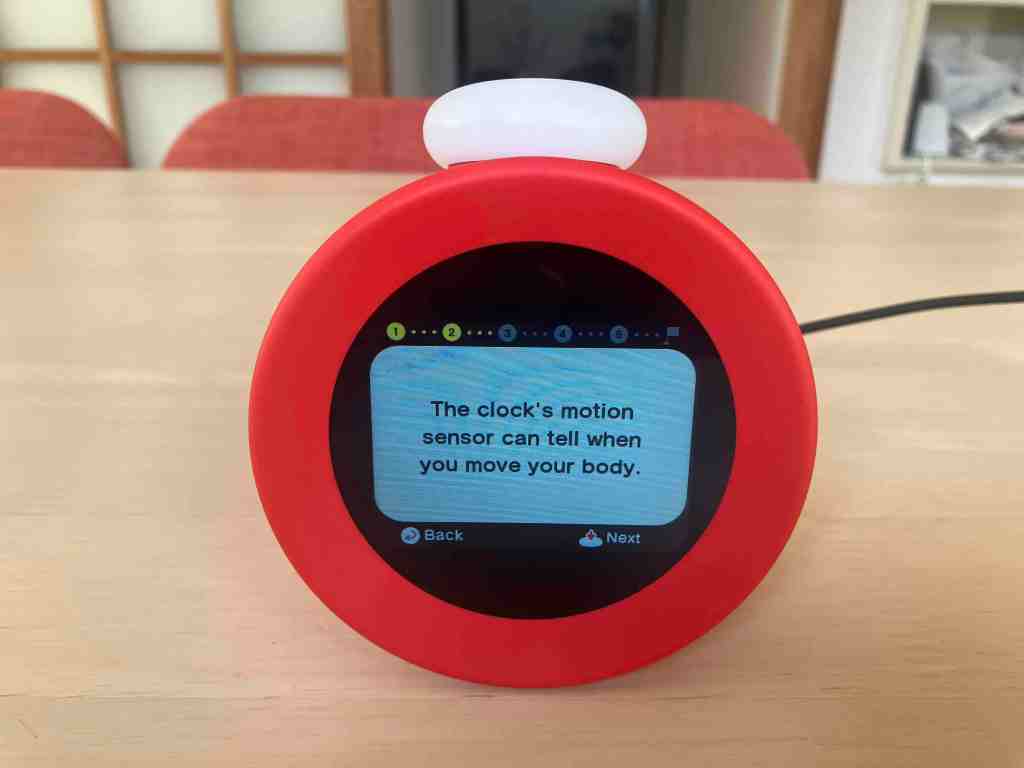
Thankfully, after moving myself a bit farther away everything started working perfectly. I can’t imagine this would be a real issue for most people using Alarmo, but maybe worth thinking about if you’re the type to absolutely smush yourself against the corner of the wall. They do offer a button-based mode if the motion sensor isn’t to your liking, either way.

Next, Alarmo invited me to bed. How risque, Nintendo! It walks you through various explanations and features right then, before prompting you to do a test of the machine’s ability to track you getting up from bed. My setup didn’t meet their requirements. We sleep in a tatami room and I have no side-table, so while the device requests to be elevated slightly above you, mine had to settle for being five or six inches below me, relatively near, and at an angle that wasn’t suggested by the device. To my surprise, the simulated wake-up test actually still worked! Evidently the device is designed with some wiggle room available, which is great. We’ll see how it actually plays out in practice through the next few days.
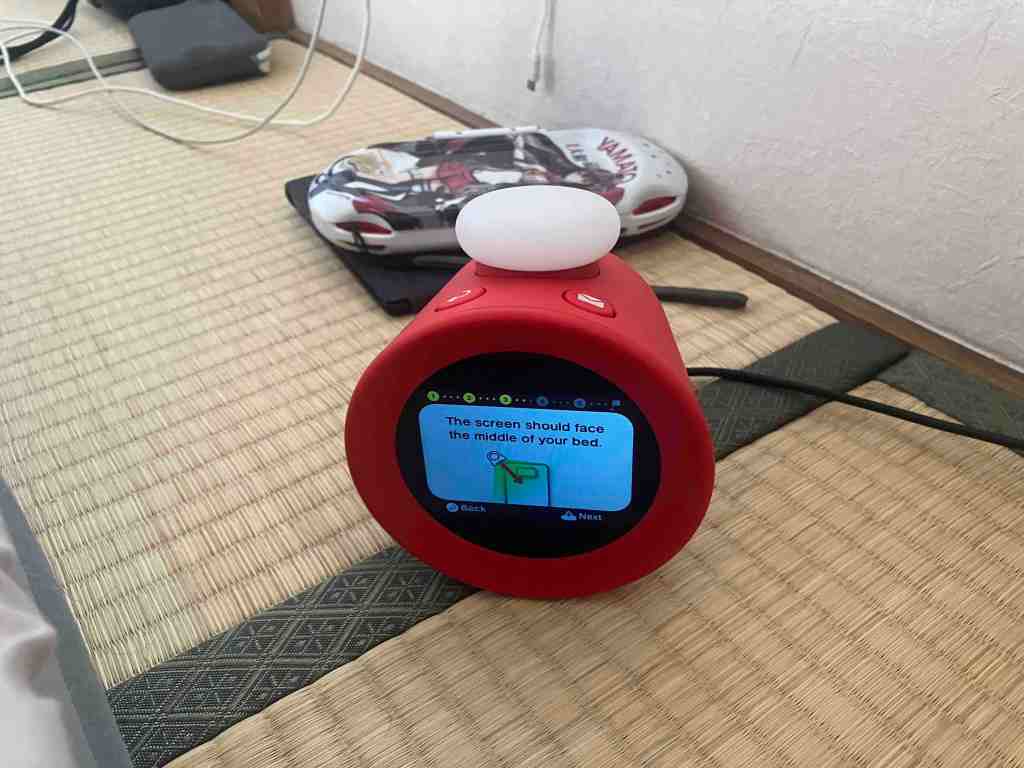
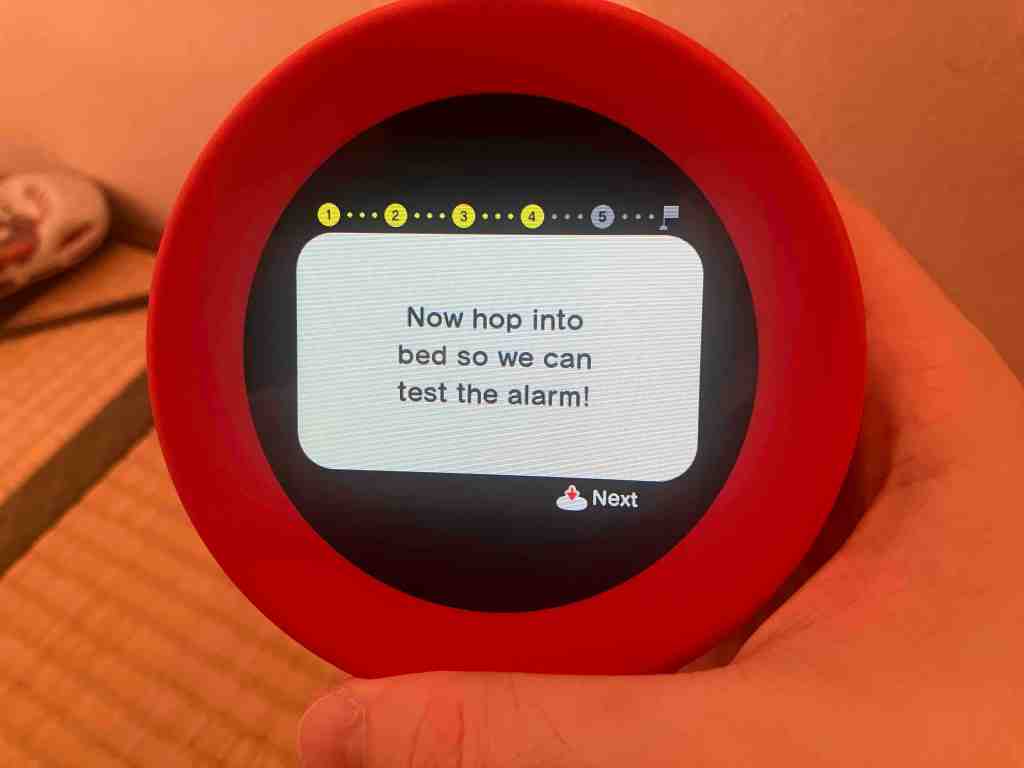


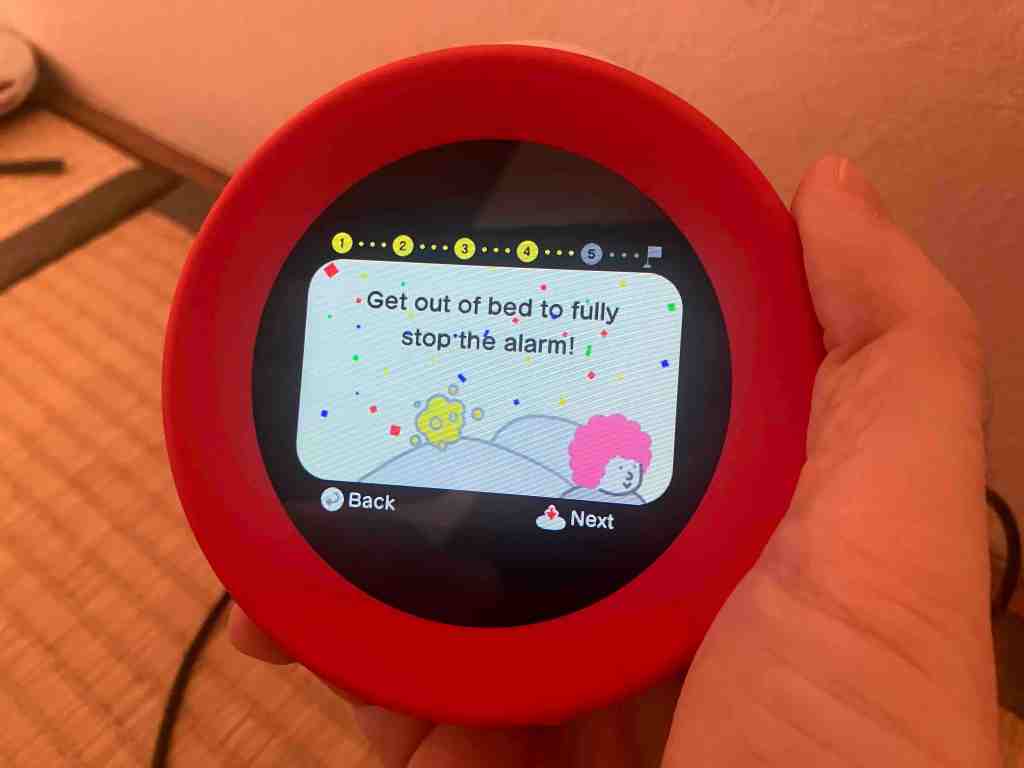
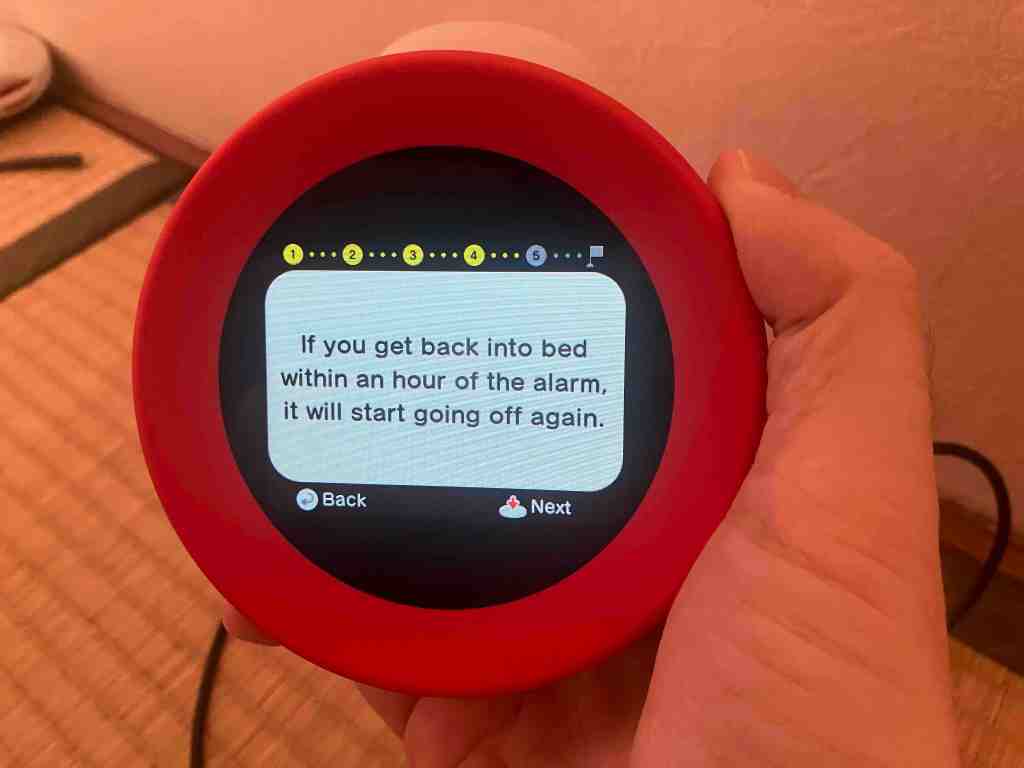
A cool thing about Alarmo is that this whole process was totally offline with no phone necessary. In a world where so many devices need phone help or an app that will almost certainly disappear one day just to use, this is genuinely refreshing. I remember helping to set up a particularly digital toy for my niece on Christmas, and it was just crazy to me that anyone would design these things to not even partially work right out of the box first and foremost. Even if you don’t get access to updates and new content while offline, I give a big thumbs up to that.
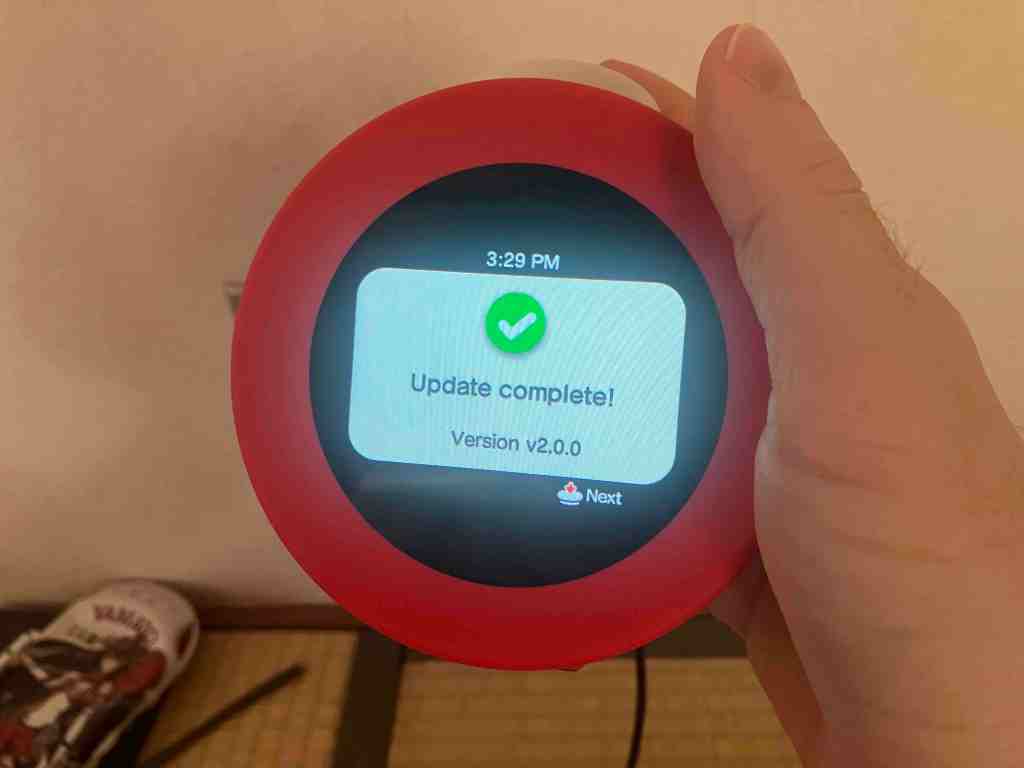
At this point the device is fully ready to use, but I personally do want to update it and prep it to access the promised new alarms for Mario Kart 8 Deluxe and Animal Crossing: New Horizons when they’re out. After searching for your wireless internet device of choice, Alarmo lets you to type using the dial and button- by far the most bothersome interaction, but again, thankfully optional and relatively well-designed considering the complexity of typing in general. The subsequent day one update brings the device all the way up to version 2.0.0, which I thought was a bit funny for what should ostensibly be version 1.0. As expected of major Nintendo firmware updates, the highlight is of course the Switch patch notes regular; “General system stability improvements to enhance the user’s experience.”
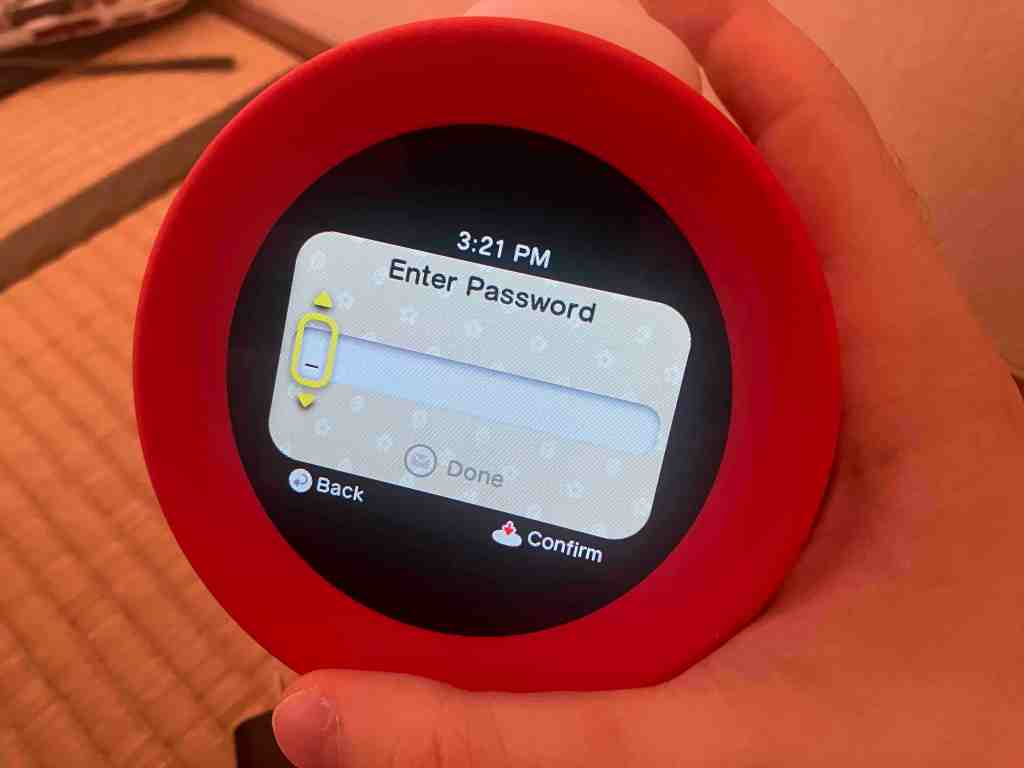
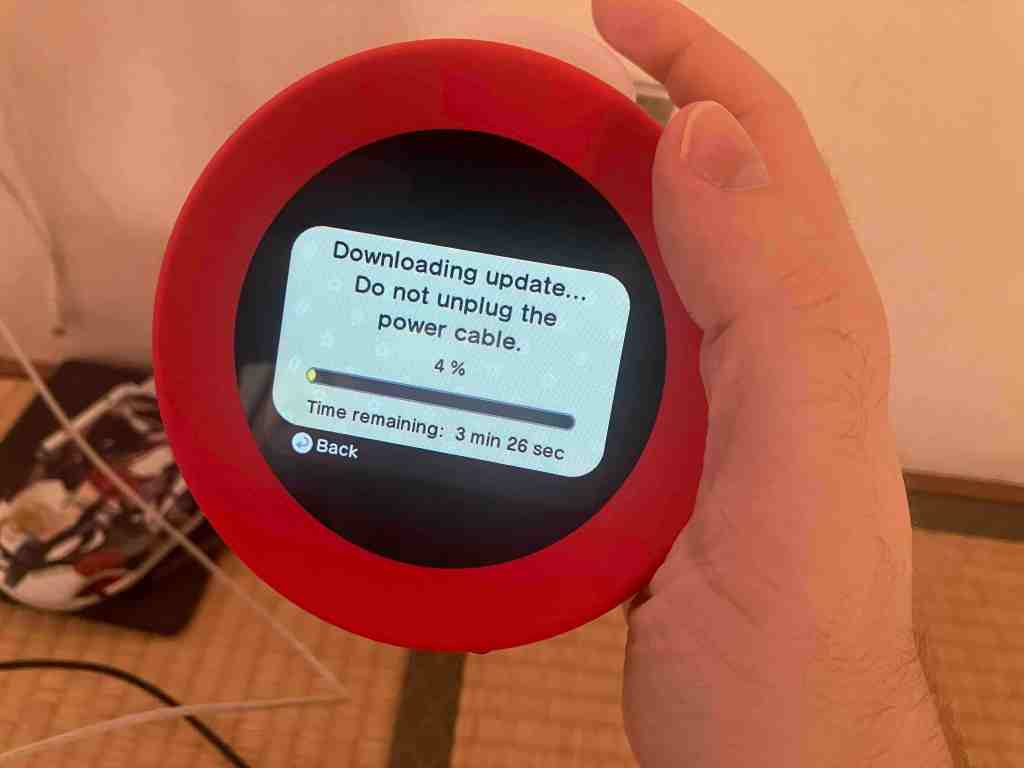
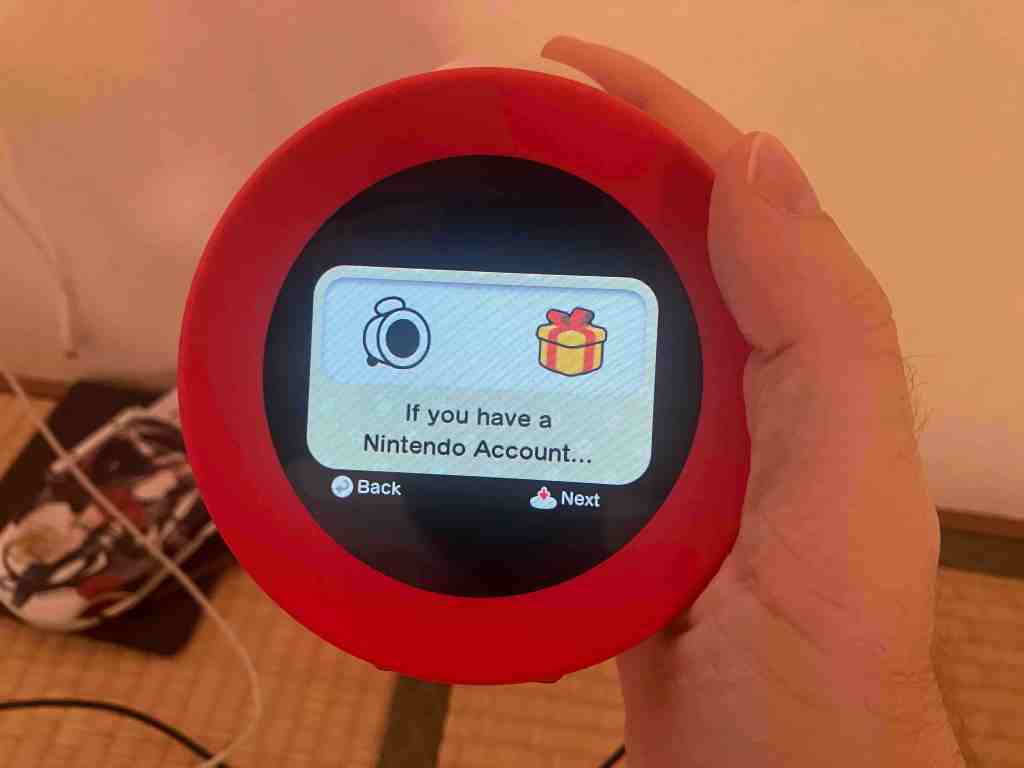
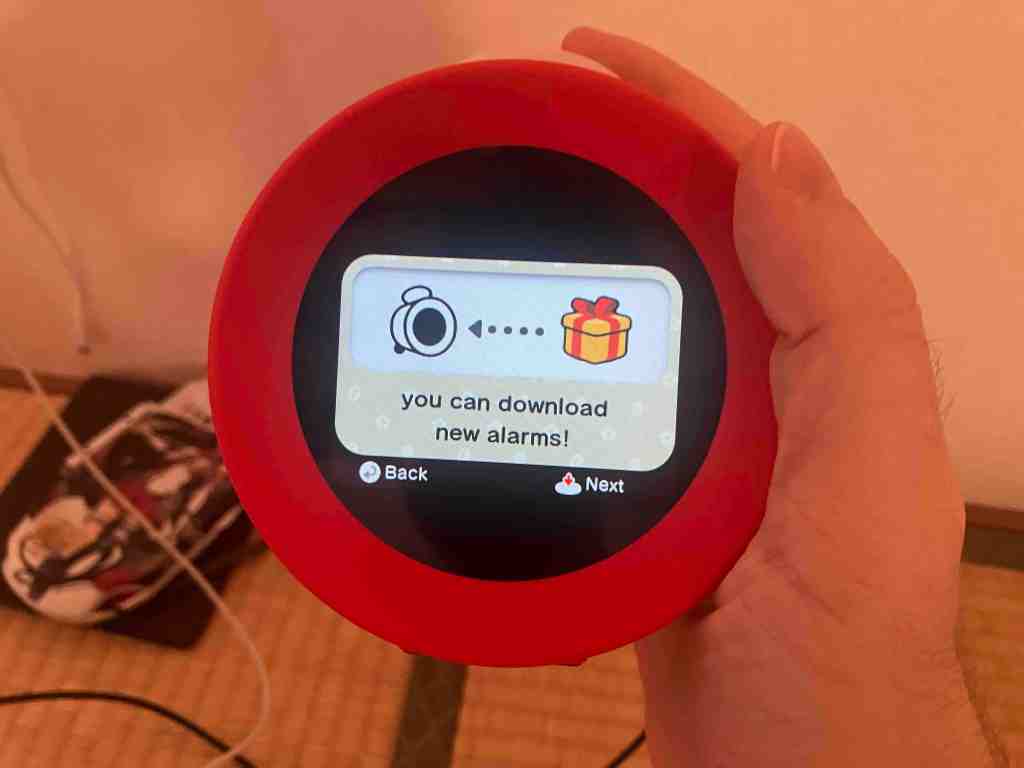
After that I came upon the only not-great surprise, which is that while you can get firmware updates for free, their language seems to clearly state that you need a linked Nintendo Account to download any future alarms. This is not a dealbreaker for me, but this really ought to just be balled in with firmware updates and not require kids to have a linked account on their clocks (even if they’re just borrowing a parent’s, I think this stuff is not something that really ought to be in children’s lives). Additionally, linking an account does require a phone since the only sign-in method is accessed via QR code scan.

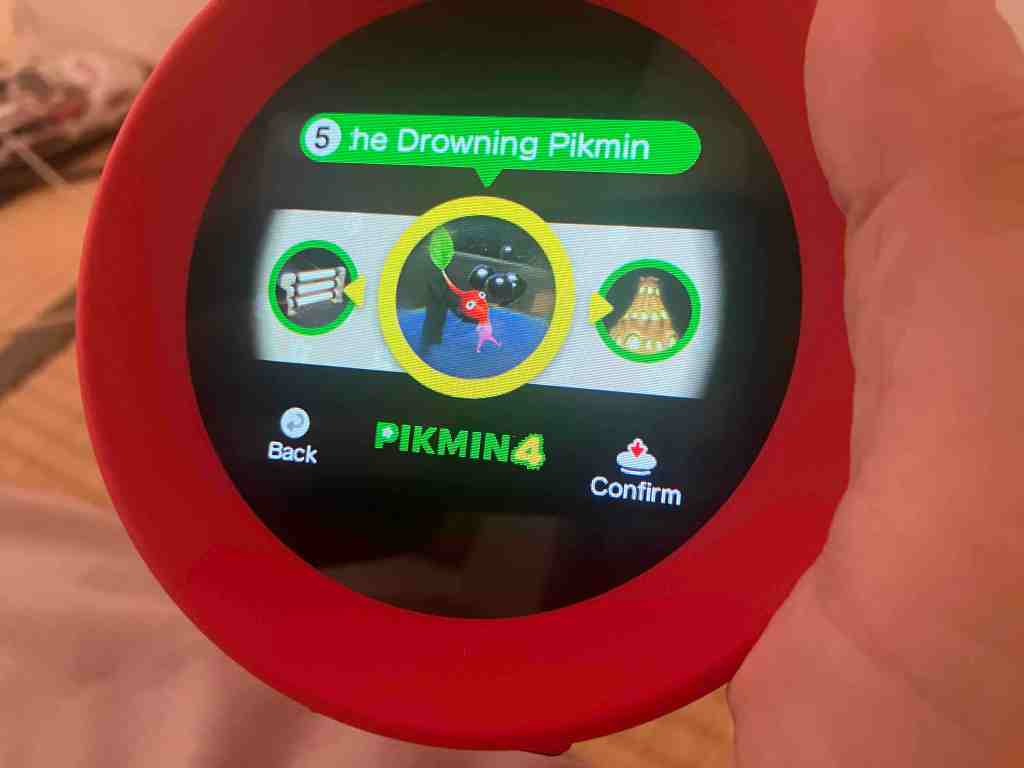
Once I got into the alarm selection post-setup, I took a moment to actually read through the 35 tracks on offer (seven per game across Super Mario Odyssey, Ring Fit Adventure, Breath of the Wild, Pikmin 4 and Splatoon 3) and I must say that it’s a really solid start. There’s some standard but great stuff like Ring Fit Adventure’s first battle theme and Jump Up, Superstar! from Odyssey, but there are also some less standard picks like Splatoon 3’s amazing last boss track and Groovy Long Legs from Pikmin 4. Or at least, I think that’s what those songs are! The frank truth is that I’ve realized that many of the official track names differ from the names provided on Alarmo, and the one flaw that I see in Alarmo right now is that you actually can’t preview alarm sounds during this process. As far as I can tell, I’ll have to wait until the morning to hear them.
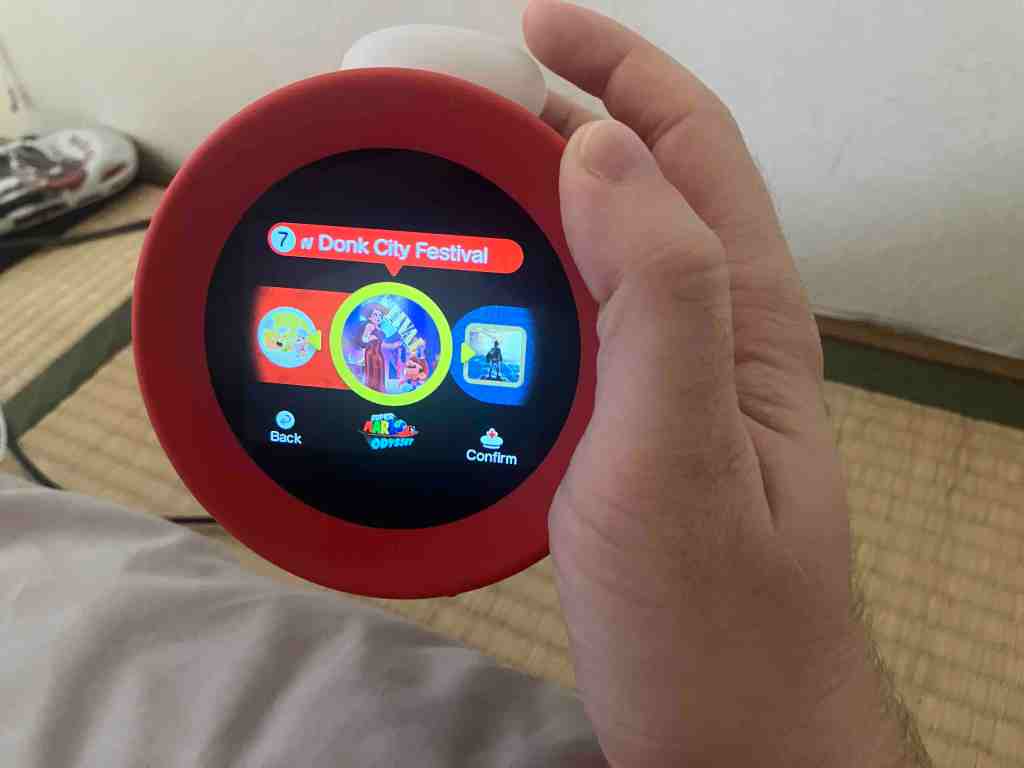
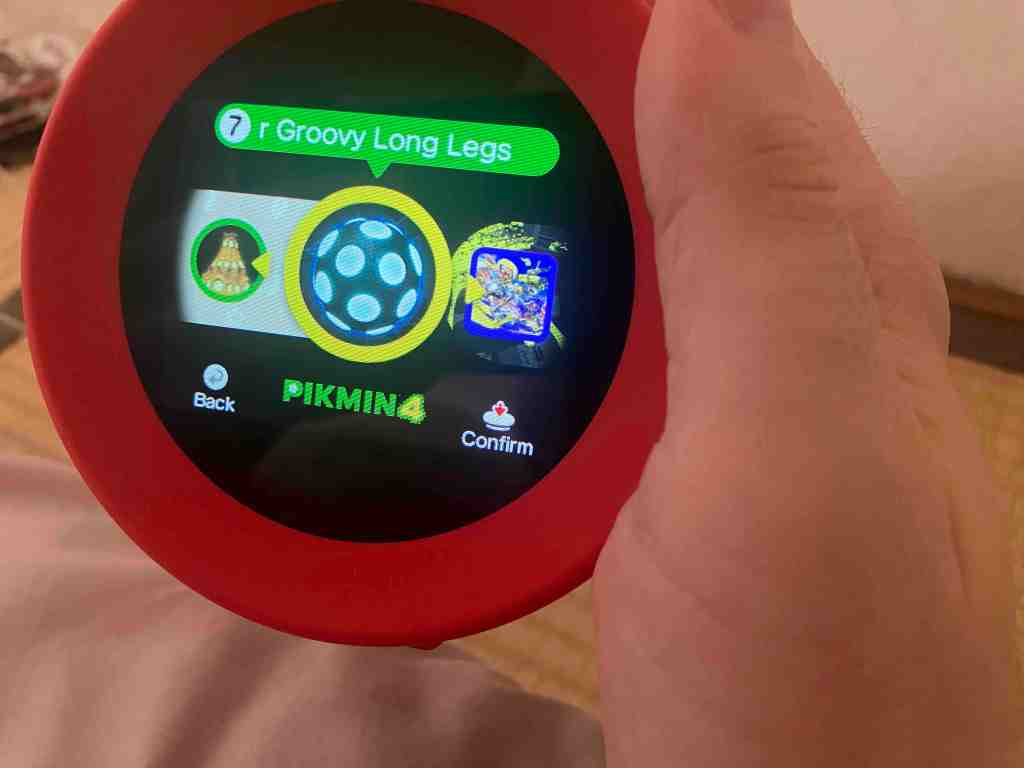
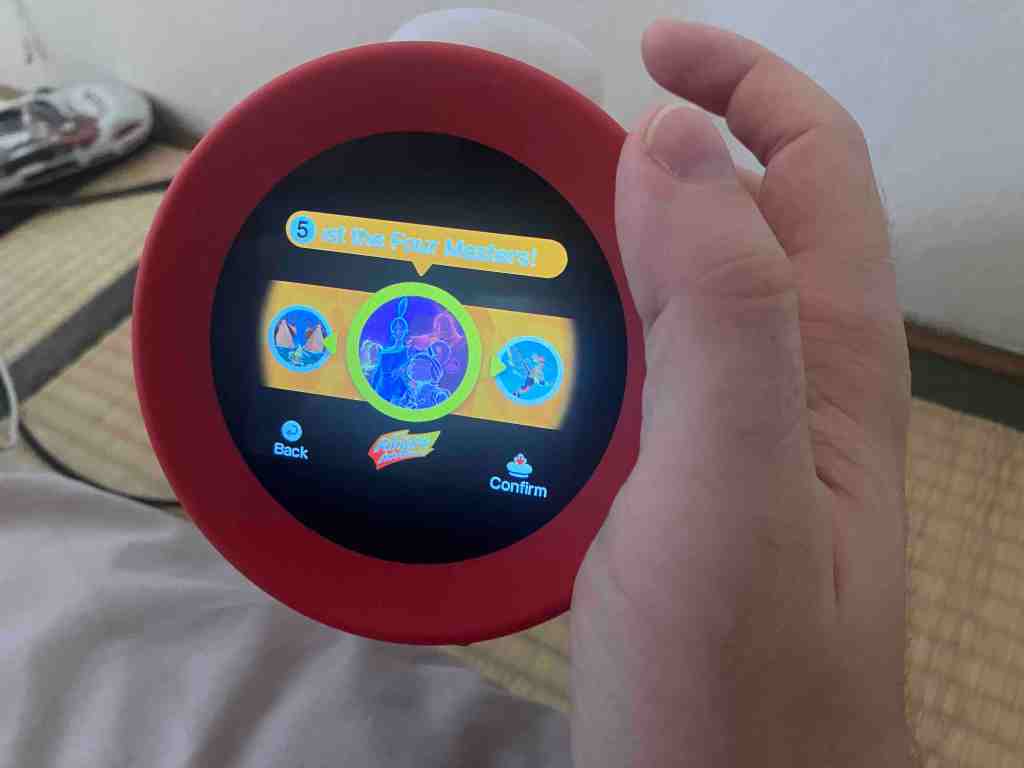
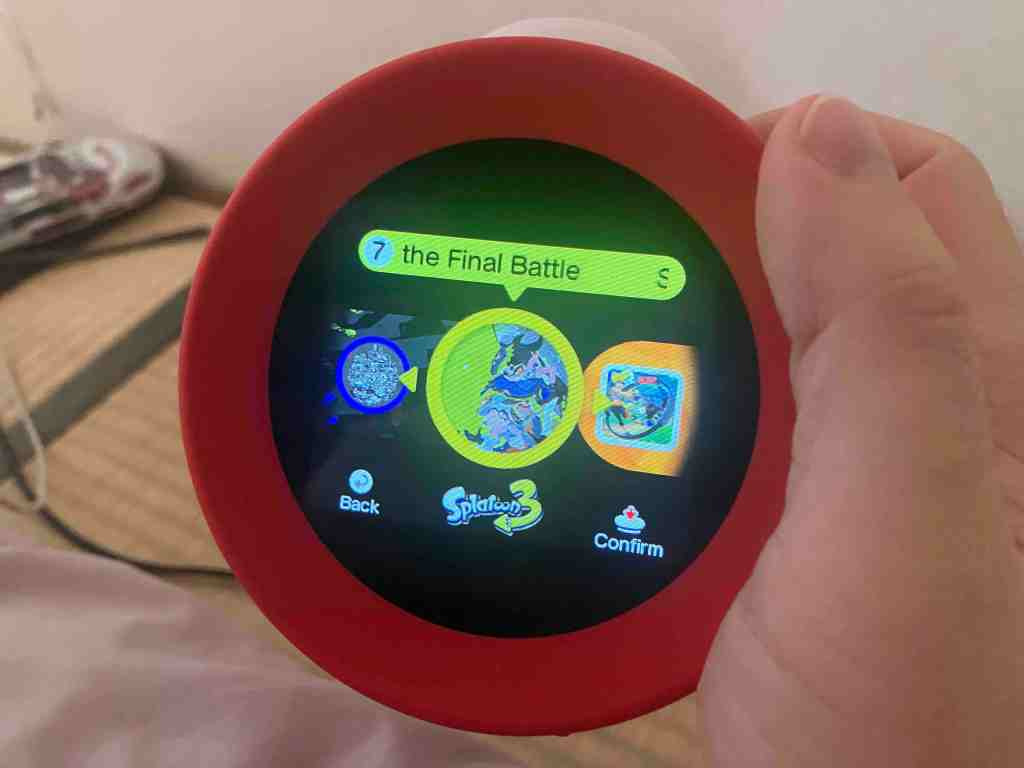
Anyways, on the topic of the song titles not matching up to Nintendo’s own OST releases, my guess is that the answer with the track names is just that it’s a bit more complicated than just playing the song. From the Alarmo trailer, it seems like there are looping sections from the chosen song, plus sound effects and voice clips overlaid, so I think they’re trying to name them a little differently from the OST to distinguish them. As an example, one of the alarms under Breath of the Wild is called “Stasis Trial”. Now, there’s no song in that game’s soundtrack that matches at all, but we do know what a Stasis Trial is because it’s a thing in the game. Within that trial, you rely on the stasis ability to get through one of the game’s many puzzle-filled shrines. This leads me to believe that the Stasis Trial alarm will probably be a mix of the song named “Shrine” from the game’s OST with a bunch of Link and stasis sound effects overlaid to evoke the game’s actual Stasis Trial shrine. I’m keen to find out in the morning!
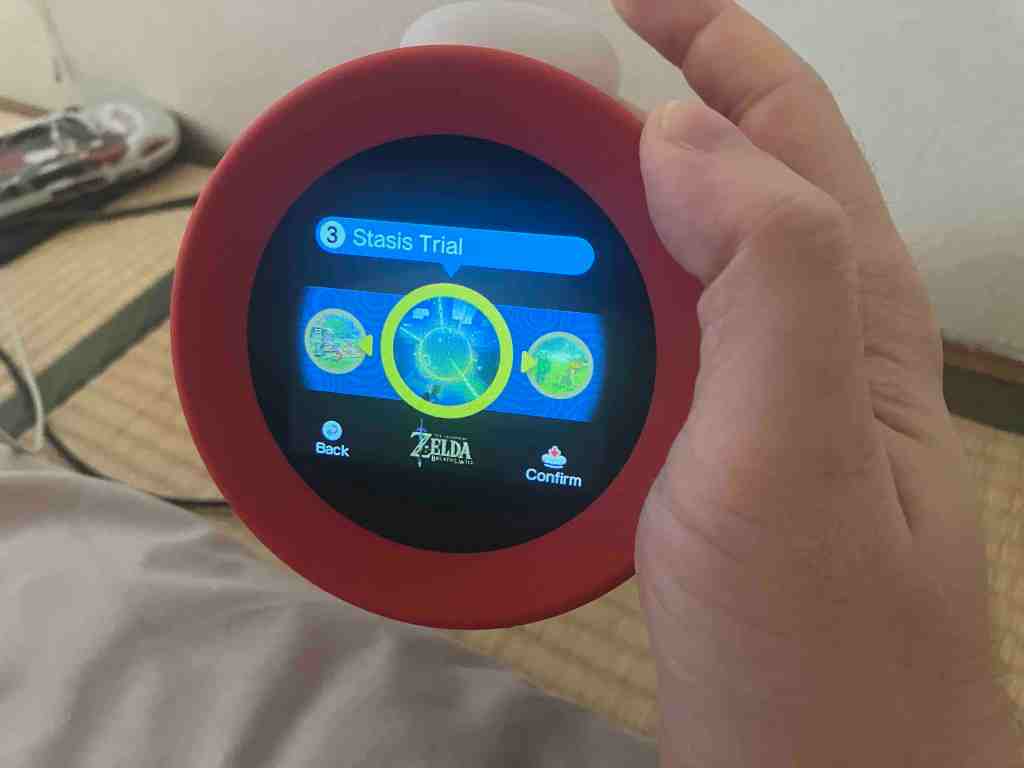
Either way, even if I think I know what all these songs are, it’s a very slight pain to not be 100% sure and not be able to check. On the bright side, Alarmo also allows you to pick from two random settings. The first allows you to let it randomize within the game you pick (how pedestrian), and the second allows it to pick at random from the whole list. I am absolutely into this level of light chaos, and I’m keen to see how long it takes to cycle through the included 35 alarms considering that unlike Apple’s default alarm sounds, I’m pretty confident I know and like all these ones. Adding in the upcoming Mario Kart 8 and Animal Crossing alarms (presumably seven per game if they are to match the current five), you’ll have a legitimately solid selection of 49 alarms, which is dope. I sincerely hope they keep adding to this list until we get a sprawling Super Smash Bros. Ultimate style list of tracks (which is over 700, last I checked), and I can only pray that I can one day soon wake up to Xenoblade 2’s absolutely epic “Counterattack”. Hopefully overlaid with the requisite voice clips, too.
Wow, that’s a lot of words just to review almost zero of the important features of an alarm clock, huh? Sadly, I think that bit just takes time, so I’ll be back with more info after I’ve properly tried out the various features like the Sleepy Sounds (quieter ambient tunes help you drift off) and various (optional) stat-tracking elements organically throughout the next week. Stay Tuned!
Additional Reading:
Ask the Developer Vol. 14, Nintendo Sound Clock: Alarmo
Day Two Update
Dawn of the first day! I had set the clock to the Stasis Trial alarm which we spoke about a bit earlier, and, well, not to brag too much but I was pretty much on the money. The Shrine music slowly plays in, and as you move about, Link and Stasis sounds play. When I got up a few minutes in (sue me, it’s nice to listen to Nintendo music), it played the sounds you’d hear upon completing a shrine in Breath of the Wild before quieting down for the day, and when I returned to take pictures for today’s addendum, it threatened me with starting the alarm back up if I don’t get the fuck out of bed right now. Effective!

Yesterday, it was set up to do chimes on the hour, which I actually kind of liked. I have some amount of ADHD, and I’m hoping that the chimes can help me snap out of less productive fixations throughout the day, but that may be too great a responsibility for a red toy alarm clock to bear. I had a Pikmin alarm set up at the time (before I realized I ought to investigate Stasis Trial) and on the hour, it played the same hourly chime you’d expect in a Pikmin game, then Pikmin were plucked to indicate the hour. I liked it!
In the evening once it detected us in bed (as in, lying in the bed in front of it past a bedtime I chose on the device), it started playing the Sleepy Sounds (also optional). Since it was set to a Zelda alarm, it used a Zelda soundscape, which featured the exact nighttime ambiance you’d expect from BotW. Light piano, a crackling fire, rustling leaves- or was it rain? Can’t remember that last bit, you’ll have to forgive me. The Sleepy Sounds don’t last that long, and I actually received a notification in the morning on the Alarmo telling me about them and explaining that indeed, they’re only five minutes long (with no option to extend them). The notification, by the way, was completely silent and I only noticed the little icon when I went to take these pictures. It’s an obvious call if you want to make a clock people will like using, but I’m glad they made it so unobtrusive.
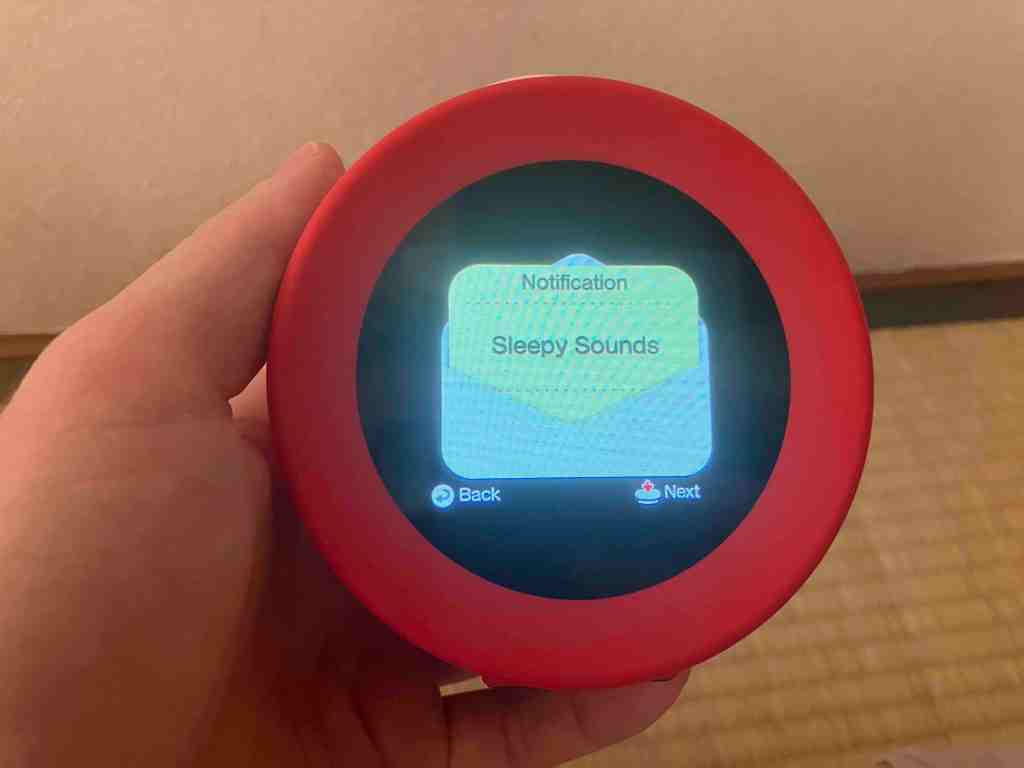
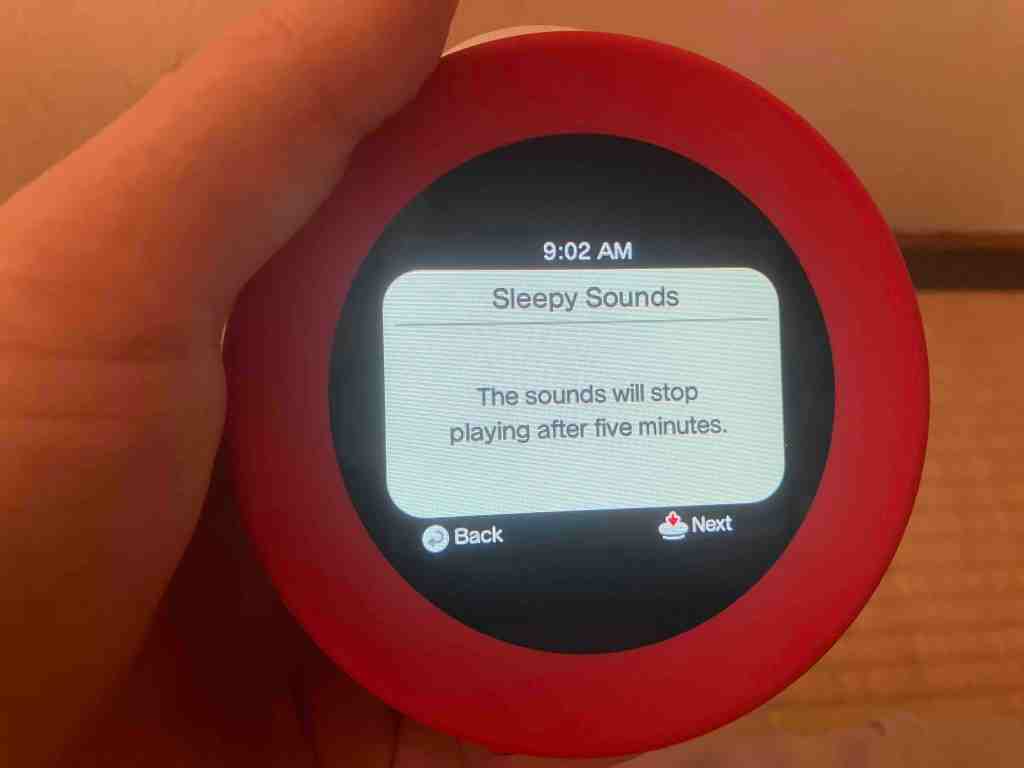
Last notes- we left the alarm at default volume, and that was perfectly good (bearing in mind it’s probably like a foot away from one the bed’s occupants). The website notes that it may not work properly with more than one person in the bed. Since the device uses radio waves, it makes sense. It could, potentially tell that there’s something a little further than this something, but such a device can’t be used to actually count people or anything sophisticated like that. Nonetheless, once we were both up, it ended properly, so I’ll count that as a win! We’re going to try to continue to use the non-button modes for a while, though I think personally I can already see the button mode being desirable when my wife has early shifts and I don’t need to be getting up before 6AM. The mode is chosen at the same time as you set an alarm time (the exact flow is alarm/shuffle choice -> alarm type -> alarm time) so it’s not very inconvenient to change.
One other thing I forgot to mention in the article! Why did we buy a $100 US dollarydoo alarm clock? A big reason is actually that my wife and I have kind of been going through that millennial thing where you’re trying to figure out how to spend less time with your phone. It’s an obvious tactic, but we’ve felt it hard to pull off because my wife needs daily alarms for her changing work schedule and if she gets to keep her phone, it’s only fair I get to keep my phone! Brainworms, I tell you. Sure, there are cheaper, non-Nintendo alarm clocks… but this one seems so cute and I’m a sucker for new gadgets and all things Nintendo. Plus with resale prices in Japan already extremely elevated we reasoned that reselling it at MSRP would be a piece of cake if it didn’t suit us. Anyways, we did actually move our phone chargers last night as well, so hopefully this can be the start of something healthier. Also, it’s “only” ¥12,980 with tax in Japan, so it would only be about $87 freedom dollars, which is a nice little cut off the US price. Bargain!
Day Five Update
Okay, so waking up to the “Save the Drowning Pikmin” alarm… not great! I mean, the soundscape is really vivid for fans of the game (scary music, drowning Pikmin, then whistle sounds and Pikmin salvation as you move around/get up), but it definitely seems to be the most harrowing we’ve got so far! After waking up to that one and “Stasis Trial”, we’ve had it on the fully random mode, and that’s been fun. As a big dweeb, the magic has still not worn off and I find it very fun to identify the songs and hear how the chosen sounds layer over it in such a considered way.
The other day, we accidentally had it trigger the “okay get the fuck out of bed right now” mode, which occurs after you’ve gotten up and then returned to bed within the hour (this can be blocked by pressing the main button to turn off the day’s alarm) after a Pikmin alarm. Emperor Bulblax himself appeared on the screen while boss music played, which was cute. He was ultimately dismissed in the same way as any other alarm, but it was a fun little surprise. I’m under the impression that there’s one of these setups for each game included, as I remember seeing a Bowser one in the initial Alarmo trailer.
Actually, on that topic, I’d be very remiss to not mention the Alarmo UI and themes. Alarmo’s UI gets a full redecoration based on the game the current alarm is from, including clock face fonts, the onscreen characters, and even background elements on text boxes. When Alarmo spots you from across the room, it’ll even pop in a character based on your current UI that follows you around for a bit, well, that’s just cute. Check out this incredibly zoomed-in image from when it saw me at around ten feet.

There’s a good attention to detail, and if you’re using the random option, your clock will look pretty different every day. The more I use it, the more evident it is that it’s not just a set of .mp3s they play at a certain time. Don’t get me wrong, you could probably make an app that does everything Alarmo does, so it’s not like Earth-shattering tech or anything, but I think it’s a bit neater than you might assume at first glance.
Last week, I opened the floor to questions on Twitter and in the comments, and I have a few lined up! Firstly, one that I was asked and that I also heard John Linneman wonder about during Digital Foundry’s latest podcast– wouldn’t an LCD screen always cast some light, even during the night? It’s definitely true that Alarmo’s screen doesn’t blend fully with the black bezel under regular light because it’s an LCD screen, so what’s the deal?
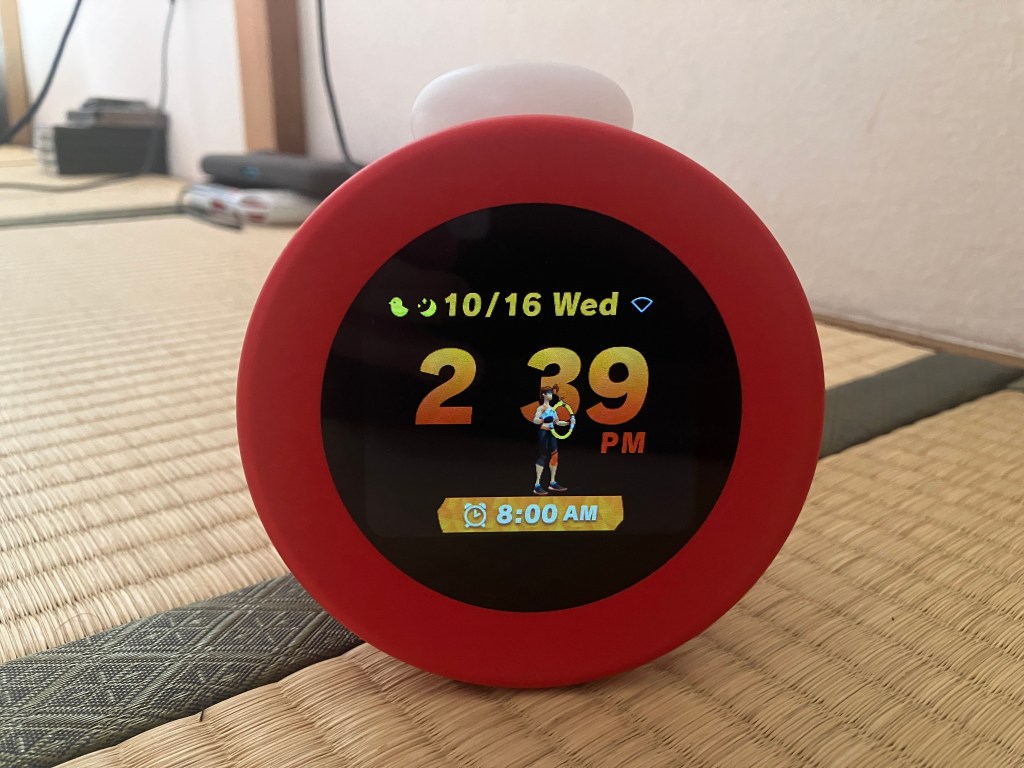
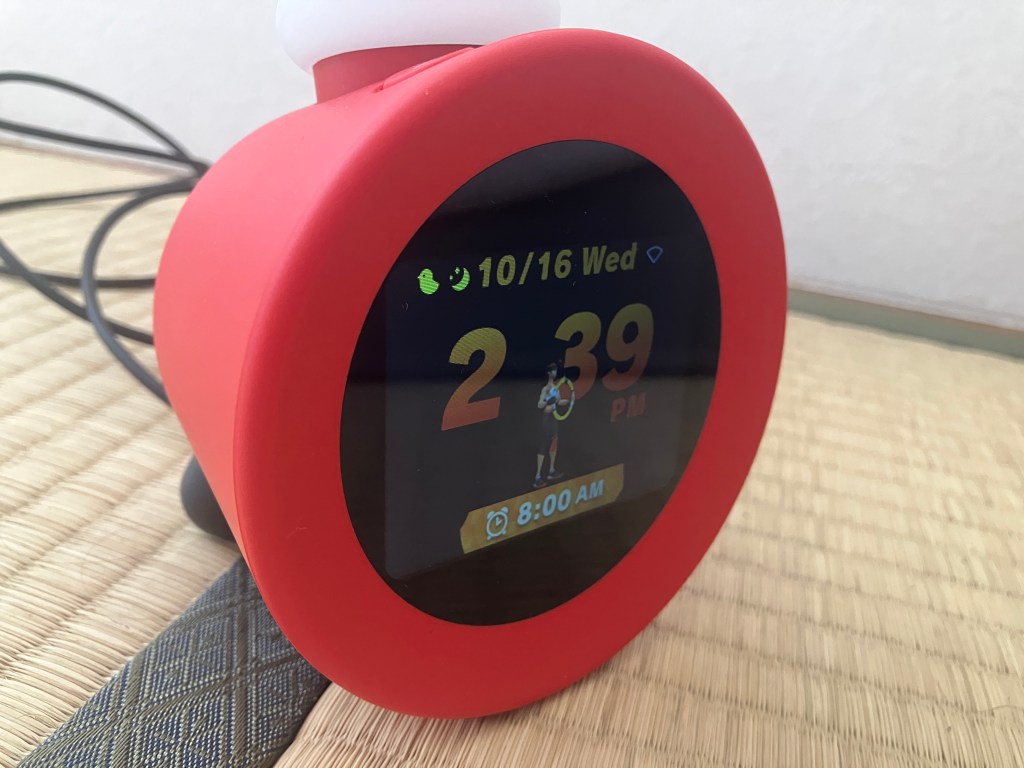
What I’ve found is that Alarmo has at least two different behaviors- a nighttime/bedtime mode, and a daylight mode. Not official names, but bear with me. After your selected bedtime has passed, Alarmo’s screen no longer reaches its highest brightness, and after a few seconds of no motion, it slowly fades to what appears to be complete black. I’m not sure if this is because it actually turns off the display or not, but in bed with the lights out, I literally could not see any hint of light from Alarmo’s screen. Based on my experience, I don’t think there’s any reason to worry about it being too bright when sleeping. Today, I woke up half an hour before my 8AM alarm, but I noticed that it no longer faded all the way out (it stayed quite visible), so the behaviour seems to change after passing some invisible threshold. Nonetheless, Alarmo’s screen never gets crazy bright even at peak. I like a good OLED as much as anyone else, but I don’t really think Alarmo feels like it’s missing one.
As a quick note on the screen, slightly unrelated to the nighttime brightness question, have a scroll through these two pictures below. Viewing angle makes a surprisingly big difference on the black appearance of the display! I think this is in-part because the machine doesn’t try to blow out the brightness in the first place.
Second inquiry I saw was about using Alarmo as a couple. As you’d expect, I sleep in a big bed with my wife, but Nintendo’s own info errs on the side of caution by advocating the button only mode for more than one person. What’s the deal, then?
Well, good news, I think it works just fine for our circumstances. The main issue, of course, is the motion tracking. The device can’t actually tell who is who and what is what, it only detects motion. When we both get out of bed during the alarm, it works exactly as advertised for one person, which is cool. On the other hand, if one person wants to stay in bed, you’ll have to hit the main button to end the current alarm manually (the alarm will stay saved for the next day). Unfortunately, there doesn’t seem to be a way to have a second alarm, if that would be a necessity for your situation. It’s better than I expected, but I do understand why Nintendo officially recommends the non-motion tracked button alarm option when more than one person is in the bed. That ultimately seems to have less friction in that situation.
Lastly, there was a question about using the on-board record keeping to improve your sleep. Personally… I’m not sure if it’ll help me, but I have really gotten on-top of my sleeping habits in the past two years, so I’m probably not the best person to study for this! It tracks sleeping hours (which actually start the second your preprogrammed bedtime starts, even if you haven’t gotten into bed), motion during sleep hours, and the duration of time it took you to choose to fully get up. I’m not too sure how I could use this data to improve my sleep, but I will say that I like how it tracks which character was used for that day’s alarm!
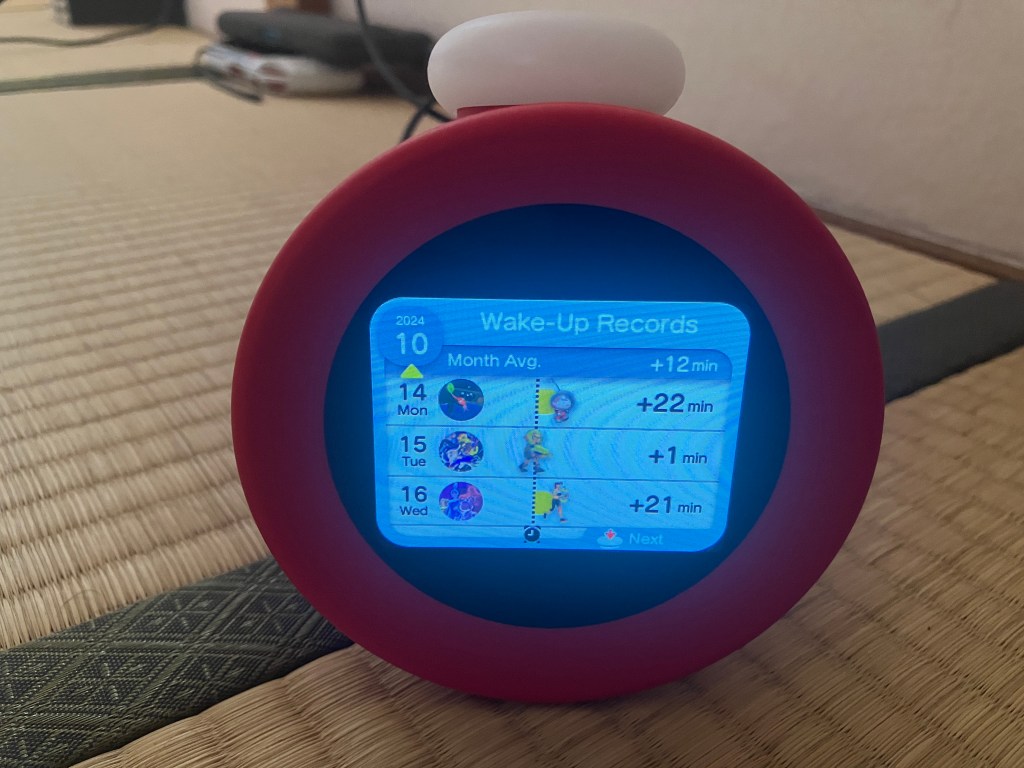
So, five days in and I still like it. Of course, it’s an alarm, you’d probably need to spend months with it to make a decisive call, but so far I’m positive. For Nintendo diehards or kids, I think it’s a fun little treat, if you can get over the price tag.
Day Seventeen Update
I’m happy to say that after a few weeks, I’m still fully on-board! That said, the honeymoon period has definitely started to wear off. Don’t get me wrong, I still really like the little joy that comes with hearing the random selection go off every morning, but we’re no longer springing out of bed and participating at maximum energy. Nowadays, it’s been getting back to normal, and I’ve occasionally been letting myself lay in bed for upwards of twenty minutes (gasp).
With that extended stay in bed, I’ve actually had a chance to notice Alarmo’s behaviour beyond the initial alarm period, and it’s neat! After you waggle around enough, the song will somewhat get dismissed and the track will settle into a quieter tune. After about five minutes (gimme’ a break, I’m not timing my alarm clock in bed) it ramps back into another livelier sequence and repeats until you get your butt up. In practice this sounds annoying, but I’ve come to realize that I think I like this pattern more than a more standard alarm experience.
When I think of the functionality of an alarm, personally, I think of a series of beeps or harsh sounds (occasionally music) meant to make you press a button once. There’s a caustic, abrupt start, and in my experience a relatively swift motion to dismiss the alarm. At that point, for me, the willpower to get up hasn’t always one hundred percent been there throughout my life.
Alarmo does a good job to address this in my eyes, with the music generally ramping up from zero to the interactive section. That section demands very, very little of you, but it does demand something that gets your body moving. At that point you’re not left at the mercy of your former self’s ability to set subsequent alarms, but you get pulled into Alarmo’s rhythm. Now the music is soft. Take a minute, no rush. Get up if you want and I’ll be back for you in a sec’. Then loud again, a little more physical movement, and repeat.
While typing that, a part of me felt I was describing the lowest stakes Black Mirror scenario ever conceived, but actually using it I find it just so much more pleasant than any other alarm I’ve ever used. It just really feels like a better way of waking up if you can spare the time in the morning, since the continued interaction makes it hard to fall back into real sleep while not being harsh on the senses at all. Take it with a grain of salt and all that, though- please remember that I’m exactly the type of dude who rushed out to buy a $100 USD Nintendo clock on day one with no reviews or safety net available. If the price tag hasn’t scared you off already, I have no problem recommending Alarmo. Now I just have to hope F-Zero music is on the way- it would go a long way to helping me lobby my wife for the racing car bed of my dreams.
tl;dr
A surprisingly playful, almost “not-smart” device, that is both the best and most expensive alarm clock I’ve ever bought.


 「RISINGSUPERBLOG」

Leave a reply to AJ Cancel reply